
Nits vs. needs: test production as your customer, not as the PM
A green ticket board doesn't mean the product works for the people using it. How to run a usability test on a live product, and how to tell a quick fix from a deeper need.

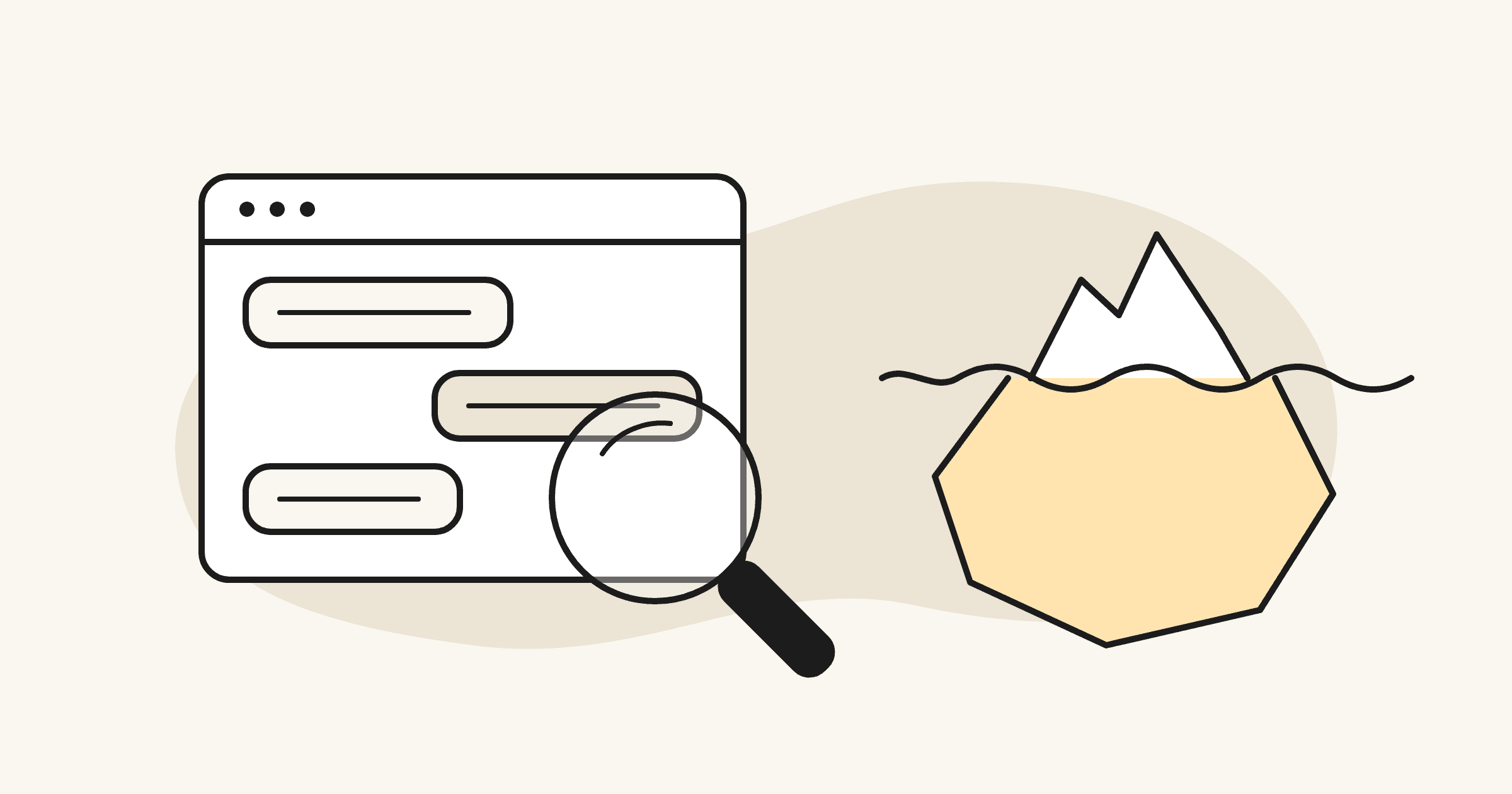
Your board is green. Every ticket passed QA, the demo works, and the release went out on time.
Then someone who actually does the job logs in, and within ten minutes they're stuck on something no ticket ever described.
This happens more now, not less. With Claude Code and Cursor, a small team ships faster than anyone can watch a customer use the product. The fix is old and cheap: run a usability test on a live product, as your customer. QA checks that each feature does what its ticket says. A usability test checks whether the product matches how the customer thinks.
The part most teams get wrong comes after the test, when it's time to sort what they found. The distinction I use comes from the user research course in my Stanford product management certification: nits vs. needs.
Short answer: To run a usability test on a live product, set one goal, recruit about five people who do the job, and give them realistic tasks in production without naming the buttons. Watch and ask why. Then sort every finding into nits (surface fixes) and needs (mismatches with how users think), and rank them P1 to P3.
What's the difference between a nit and a need?
A nit is a surface usability problem with a quick fix. A need is a surface problem that points to something deeper: the product's model of the work doesn't match the user's.
- Nit: someone can't find the button. Rename it, move it, make it bigger. Done.
- Need: someone finds the button and still doesn't get what they came for, because the product is organized around a different idea of the task than the one in their head.
Here's a hypothetical. Say you've built an AI tool that writes up sales calls. In testing, reps miss the Export button. That's a nit. But most of them also paste the summary into an email to their manager before they've finished reading it. That's a need: they think of the summary as a message to send, and the product treats it as a document to file. Moving the Export button won't fix that.
That's the trap: fixing nits feels like progress. But if the real problem is a need, a quarter of nit-fixing just polishes the wrong thing.
How to run a usability test on a live product
Most usability advice assumes a prototype. Most early-stage teams I work with have something more honest to test: a live product with real users. Here's my five-step plan.
- Set one goal. A workflow (can a new user get from sign-up to first value?), one feature, or two versions of a flow. Write down the top three questions.
- Pick people who do the job. Three to eight participants, five when in doubt. Small rounds find the biggest problems; fix them, then test again. Use customers or people who match them, not your own team.
- Write tasks, not instructions. Start open ("Take a look and tell me what you'd do first"), then give realistic tasks. Describe the goal, never the button: "Get paid for the order you just agreed on," not "Click Send Payment Link." If a task uses the interface's own words, you're testing reading, not usability.
- Go from general to specific, and keep it short. Three or four tasks, under an hour. If someone takes a detour the product supports, let them. The detour is data.
- Protect production, and pilot first. On a live product, agree on the rules before anyone logs in: test accounts, real data read-only by default, no messages to real customers. Then run the whole plan once with a teammate before a customer sees it.
During the session, stay quiet, ask why, and blame the product, never the person.
Moderated or unmoderated?
Use a moderated test when you need to know why, and an unmoderated one when you need to know how often.
In a moderated test you're on the call, so you can ask what someone expected and hear their mental model. That's where needs show up. In an unmoderated test, participants work through pre-written tasks alone while a tool like Maze or UserTesting records them and measures completion. It's fast and tells you how many people hit a problem, but not why.
My default for an early-stage team: five moderated sessions first, then an unmoderated check on the fixes. And if the product doesn't exist yet, you need a different tool: a one-week rapid experiment tests the idea before you build it.
How to sort what you find
Put every observation in a four-column table: what you saw, the nit, the need (if there is one), and what you'll do about it. Then prioritize:
- P1, must fix: blocks the task or breaks trust. Needs usually land here.
- P2, should fix: slows people down or confuses them.
- P3, minor: fix it when you're working in that area.
Note how many participants hit each problem. Then route them: nits go to the backlog as tickets, needs go to the roadmap conversation, because they change what you build.
How I apply it with AI startups
On Sabhi, a messaging, payments and shipping platform for businesses that sell over text, I ran a UAT pass in production in October with Claude doing the clicking: read-only by default, writes only against a test contact I controlled, nothing sent to real customers. It covered 13 areas, first logged in as an Admin, then as a Standard user, the role a sales clerk has. The brief was critical bugs and dead ends only; visual polish was out of scope. Across all passes: 184 checks and 34 distinct defects.
One of them was a different kind of finding. When a customer had both a text conversation and an email conversation, the inbox collapsed them into one row, showed the texts under an email header, and the customer's email reply couldn't be opened at all, even though the API had it. The first pass had even logged a related symptom as "probably by design (per-contact thread)." That's what a need looks like: the product hadn't settled what a row in the inbox is, a customer or a conversation on one channel. The recommended fix was to key inbox rows by conversation, not by contact. You only see that when you use the product the way the customer does, end to end.
Not every finding is a need. On Family Elf, a UAT pass on the chat in October turned up two defects: after you stopped a reply, the chat list could show "No messages yet" for a chat with 20+ messages, and a dropped connection showed the raw browser text "network error". Neither changed what we were building. Each became a ticket, and the next day's UAT passed both fixes, including a Retry that resends without duplicating the message.
Where AI tools help, and where they don't
AI does the volume work around a test well. On Sabhi, Claude ran the clicks; elsewhere I use it for:
- Drafting the test plan and tasks from the PRD, then checking that no task uses the interface's own words.
- Running a scripted, read-only pass through staging so every failure comes back with a likely cause.
It can't decide which column a finding belongs in. That takes judgment and context about the customer. A test agent can tell you the button works. It can't tell you the customer was looking for a different button.
Frequently asked questions
How many users do you need for a usability test?
Five per round is a good default; three is the bare minimum. Small rounds find the biggest problems, so fix them and test again rather than running one large study.
Can you run a usability test on a live product?
Yes, and for an early-stage team it's often the most honest test you can run. Agree on rules first: test accounts, read-only access to real data by default, and no messages to real customers.
What's the difference between moderated and unmoderated usability testing?
In a moderated test, a facilitator runs the session live and can ask follow-up questions. In an unmoderated test, participants complete pre-written tasks on their own while software records them; it's faster and scales, but it can't tell you why someone got stuck.
What is a nit vs. a need in usability testing?
A nit is a surface issue with a quick fix, like a button people don't notice. A need is a surface issue that reveals a mismatch between the product and how users think about the task; fixing it changes the design, not just the copy.
The takeaway
A green board tells you the product does what the tickets said. A usability test tells you whether that's what the customer needed. Run it in production, as the customer, and let the needs, not the nits, decide what changes on the roadmap.
Planning a test on your own product, or sitting on a pile of findings you're not sure how to sort? I'd like to be a second pair of eyes. Book a 30-minute call below.